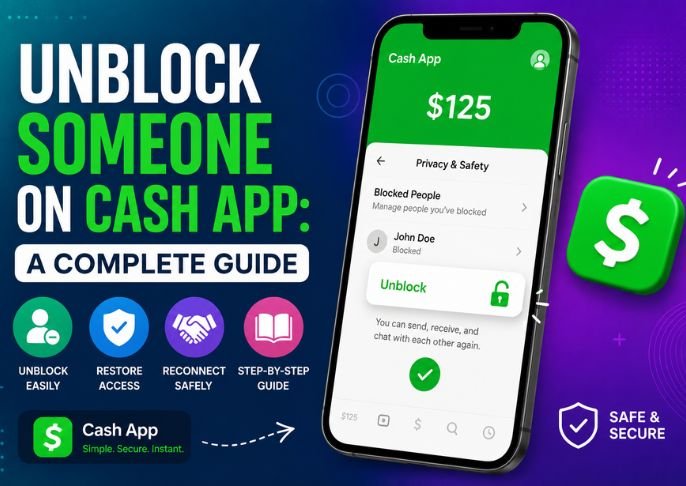
Unblock Someone on Cash App: A Complete Guide
If you have mistakenly blocked someone on Cash App that you want to unblock, or if you are ready to reconnect with someone after a payment dispute has been resolved, unblocking someone on Cash App is an easy process that only takes a minute once you know how to do it. This guide from Wallpostmedia outlines each step in the unblocking process, what to expect when you unblock someone, and a scam to avoid while you try to answer the question of how to unblock someone on Cash App.
Before You Start
If you are searching “how to unblock someone on Cash App,” you will come across many pages with a phone number posted to provide “help” when you call. Please do not call these numbers. Cash App does not manage the unblock or block process over the phone. Calls to these numbers are a known scam, where you provide valuable details to scammers as they attempt to provide fake support. The unblock process is completely managed in the Cash App, there is no phone call that is necessary.
Unblocking Someone on Cash App (iPhone & Android)
You can quickly unblock a user using these steps in the app:
- Launch Cash App on your device.
- Tap your profile icon at the top of your Cash App homepage
- Choose Privacy & Security from the list
- Find the Blocked section
- Select the user you want to unblock
- Tap Unblock
Unblocking a user is just as simple as the process sounds.
Unblocking a Merchant on Cash App
If you blocked a merchant from using Cash App, the unblocking process is slightly different:
- Launch Cash App on your device.
- Tap the Activity button.
- Find the related blocked merchant transaction.
- Select the transaction and tap the three dots.
- Finally, tap Unblock.
You will be able to transact with that merchant once unblocked.
What to Know After you Unblock a User
Here are a couple things to keep in mind once unblocking a user
- They will most likely know you unblocked them. They will be able to tell you no longer have them blocked if they try to transact with your account.
- They can use cash apps as normal. After unblocking, the transactional capabilities will be restored for that user.
- Old chat history is generally gone for good. Unblocking allows you to communicate with that contact going forward, but chat history that was hidden while you had them blocked may remain hidden.
- You may re-block at your discretion. If you want to go back to the old way, just a few taps will allow you to continue blocking.
An Improved Method for Managing Repeated Blocking and Unblocking
A popular cause of repeated blocking and unblocking is random contacts who send payment requests. Managing a fully blocked list isn’t necessary if you follow this advice. Instead of blocking each user:
- Go to Profile Icon > Privacy & Security
- Switch off Incoming Requests
With this option, contacts you already know can still reach you. contacts will be blocked, and you won’t be burdened by erasing a continually lengthening blocked user list.
Staying Safe When Unblocking Someone
It’s important to take precautions before reconnecting with someone who you don’t know (the merchant) well.
- Scammers can easily change some letters in their name to look like your trusted friend. Because of this, you need to verify the $Cashtag.
- Unblocking someone due to an instant message that you’ll lose money or access to your account is a scam, and you should never unblock someone due to fear.
- Similar to the first point, never provide your PIN, signing code, or bank details to anyone that says they are Cash App support via phone, text, or in an app message.
Final Thoughts
Unblocking someone in a Cash App is quite easy and all you have to do is a few clicks in your Privacy & Security Settings. The main thing that can mess you up is falling for the scam “support” phone numbers that will show up in your search and will say they can unblock the number for you via a phone call. If you follow the in-app steps, you will have it done in 60 seconds or less.
Also Read: Snapchat Planets: Meaning, Order, and How to Check Them